Export/Saving Files to your Computer from CertiPay
If you need to import a file into CertiPay please review this article: Importing Files from your Computer to CertiPay
If you need to export a file into CertiPay place your curser on the "Tools" symbol on the left hand side of the screen:
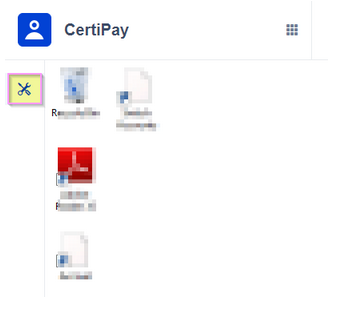
A screen displays showing all of the reports that you have saved and exported to My Documents from CertiPay or Data Tool.
Note:
Only reports generated by the currently logged in user are displayed here.
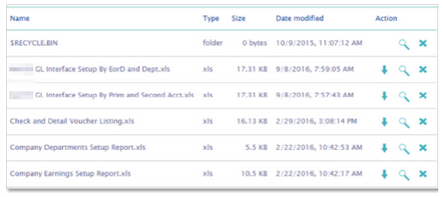
Locate the file(s) to be saved, and then for each file you can do the following:
-
Click the magnifying glass icon for the file to preview the report.
-
Click the down arrow icon for the file to download the report to your computer. The files are saved to the download folder of your browser.
Once you have downloaded all of the files to your computer, you can then move the reports to another location accessible by your local computer, if desired. Once the file(s) have been moved to your local computer, you can click the X to delete the document from your file storage, when done close the My Documents screen.